Operational Software
A spa service company was running core operations on paper. Sentz Technology designed and built a specialized platform to centralize service history, improve field execution, speed up billing, and give the owner better operational visibility.
Paper → Platform
Daily operations moved into one purpose-built system
Field-first
Designed around how technicians actually work on site
Specialized
Built for the niche workflow instead of forcing a generic CRM
Background
This was a one-off build created for a clear operational purpose. The company was using paper work orders, handwritten notes, and manual processes to run day-to-day service operations. As the business grew, that approach started to create real friction.
Challenges
Most field-service tools are built for broad categories like HVAC, plumbing, or electrical. Spa service has its own workflow, its own service context, and its own documentation needs. Forcing the company into generic software would have solved some problems while creating new ones.
Approach
Instead of designing a generic CRM, the platform was structured around the actual sequence the business follows every day:
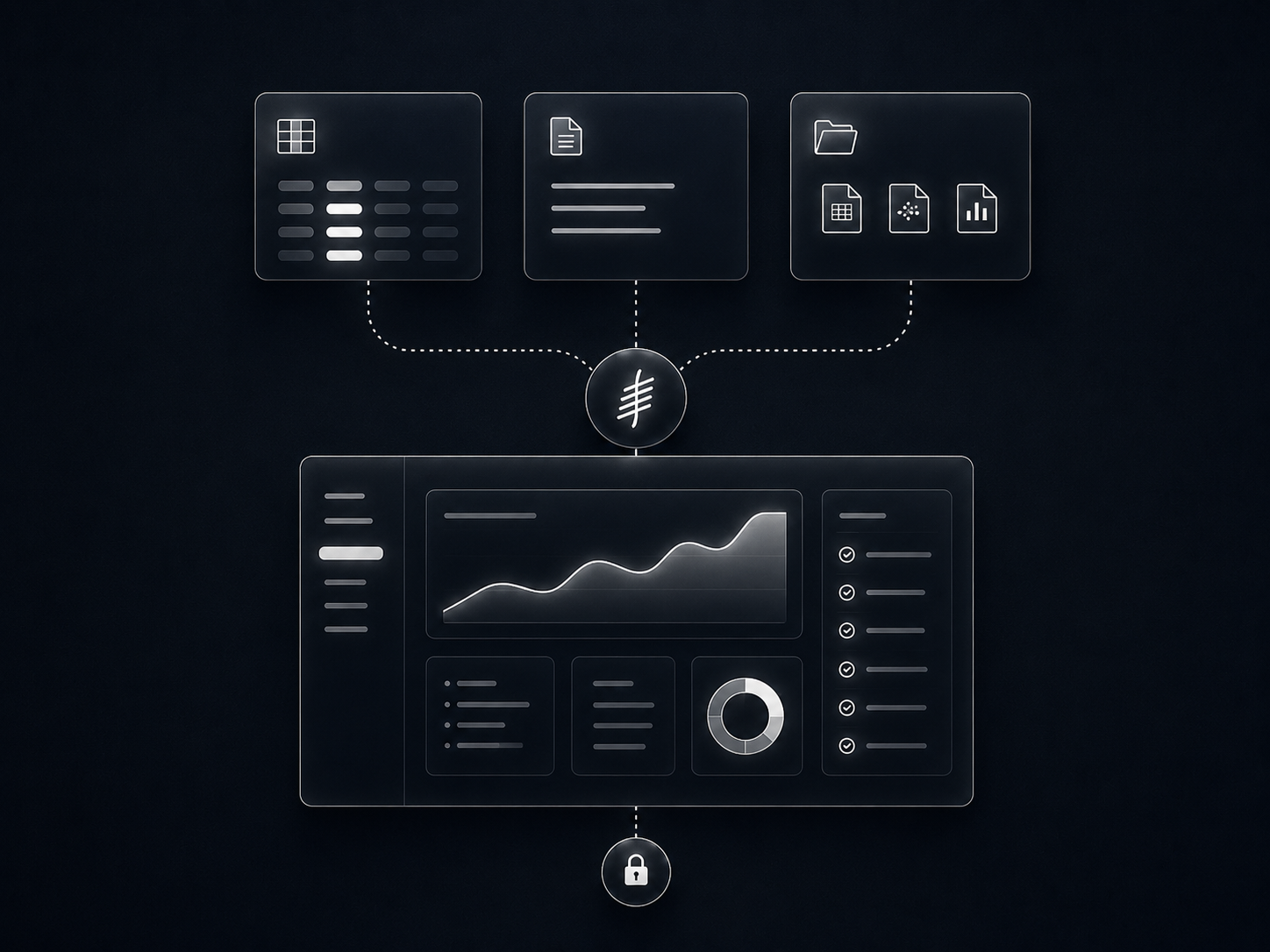
Customer → Spa → Work Order → Service → Invoice → Payment
Each spa becomes a central record with service history, diagnostics, technician notes, and maintenance context tied directly to the actual unit being serviced.
Operations
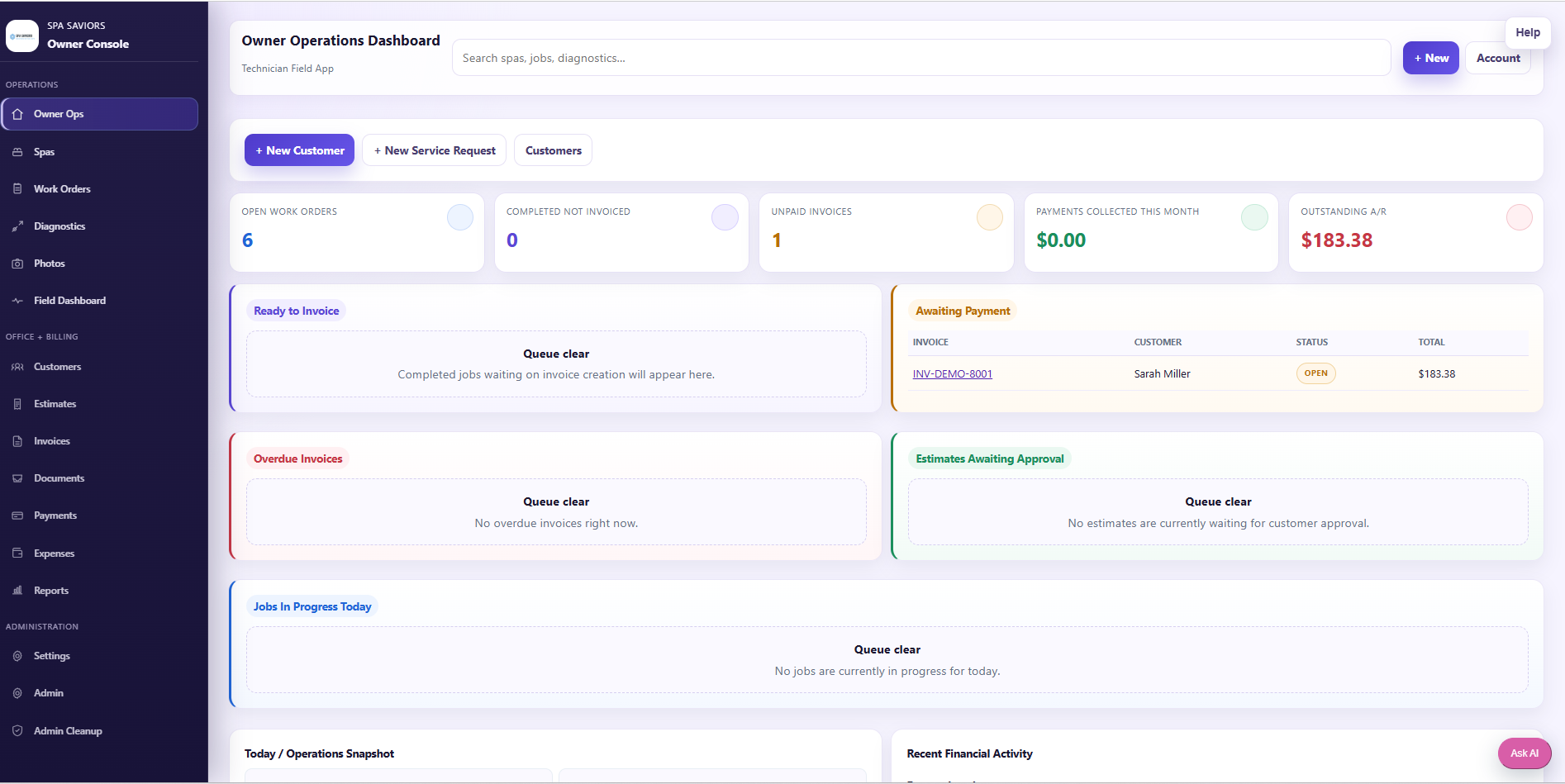
The owner dashboard gives the business a clearer view into activity, billing, and service operations — without relying on paper trails or fragmented updates from the field.
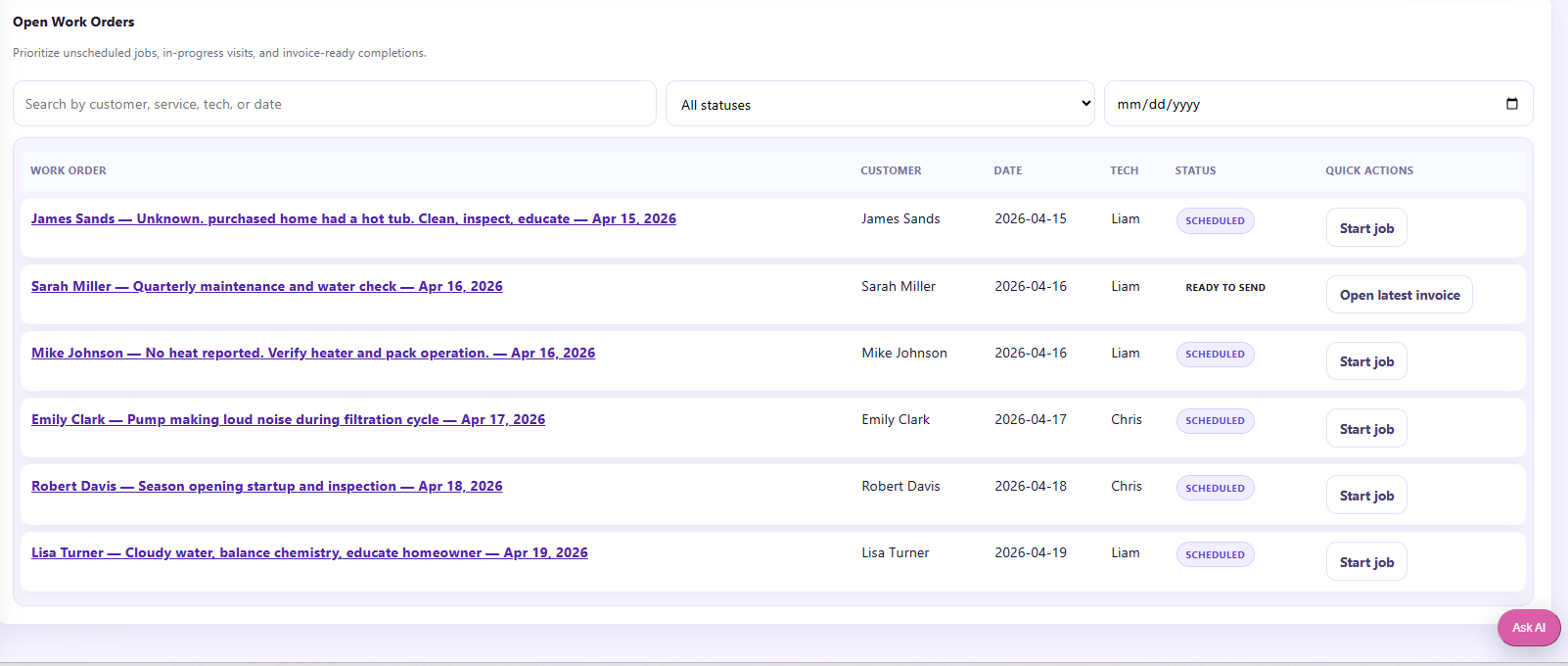
Open work orders make active service calls easier to track so the business can see what's in progress, what needs follow-up, and what's ready to move to invoicing.
Field execution
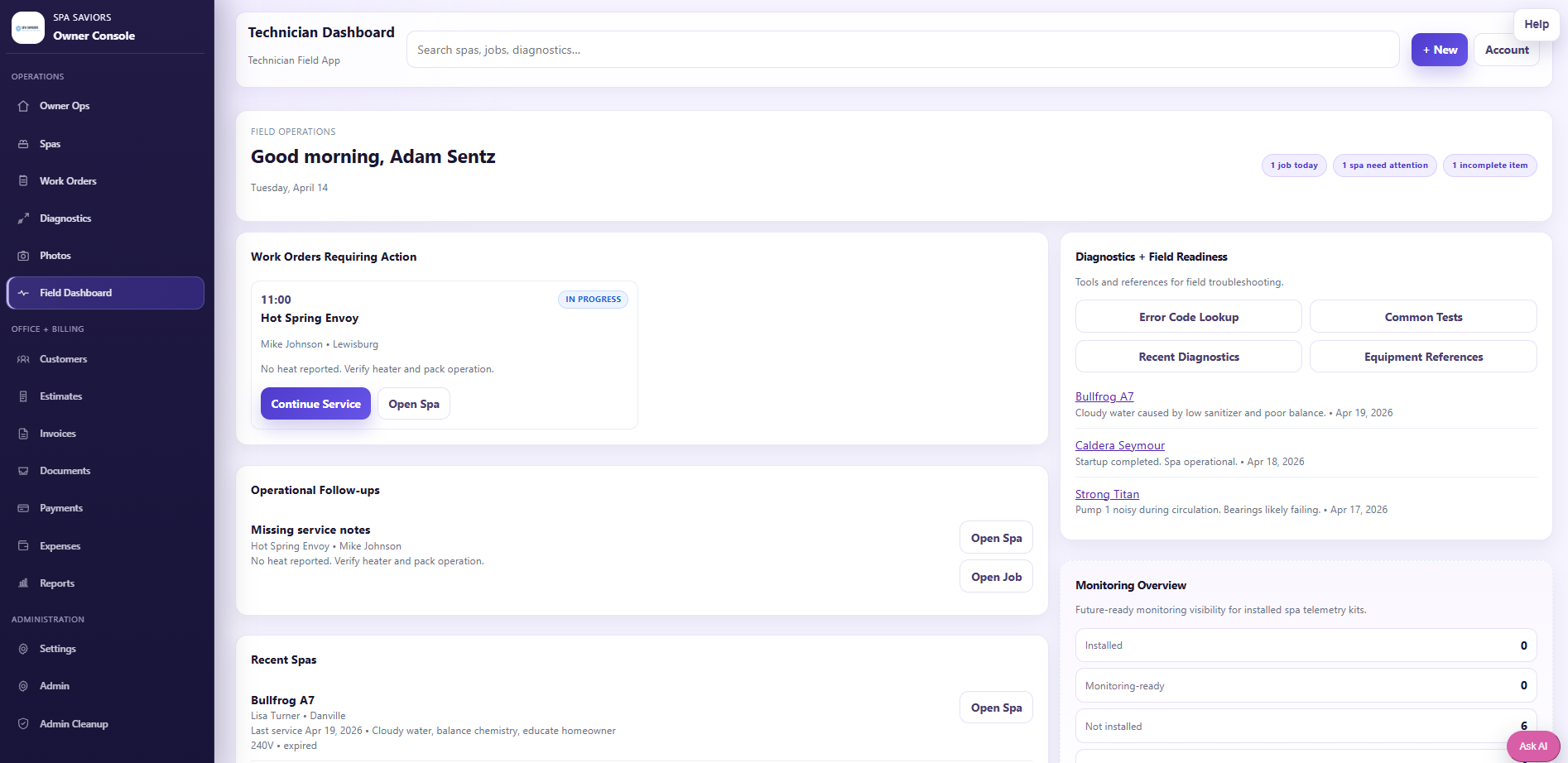
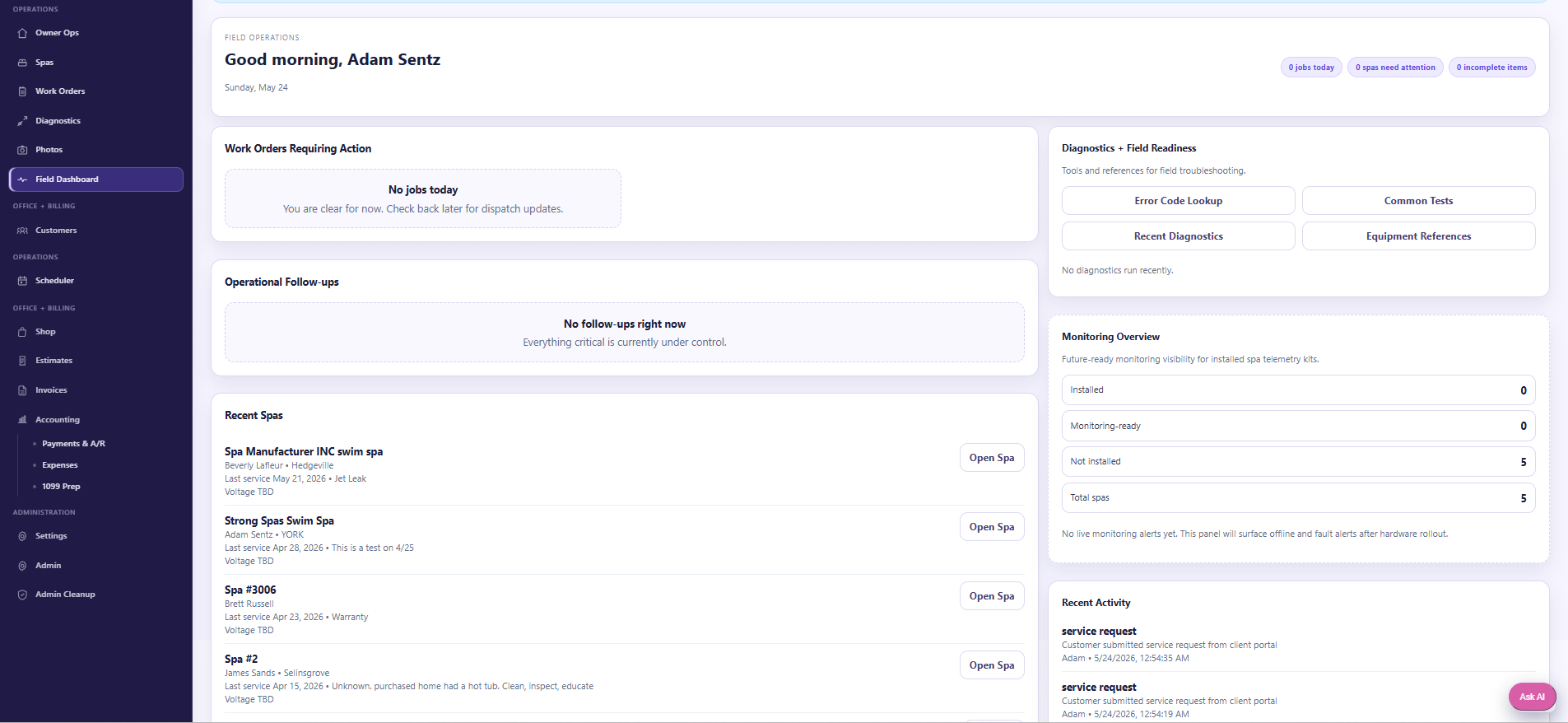
The technician dashboard supports field use directly, allowing service details, notes, and operational information to be captured while on site instead of recreated later.
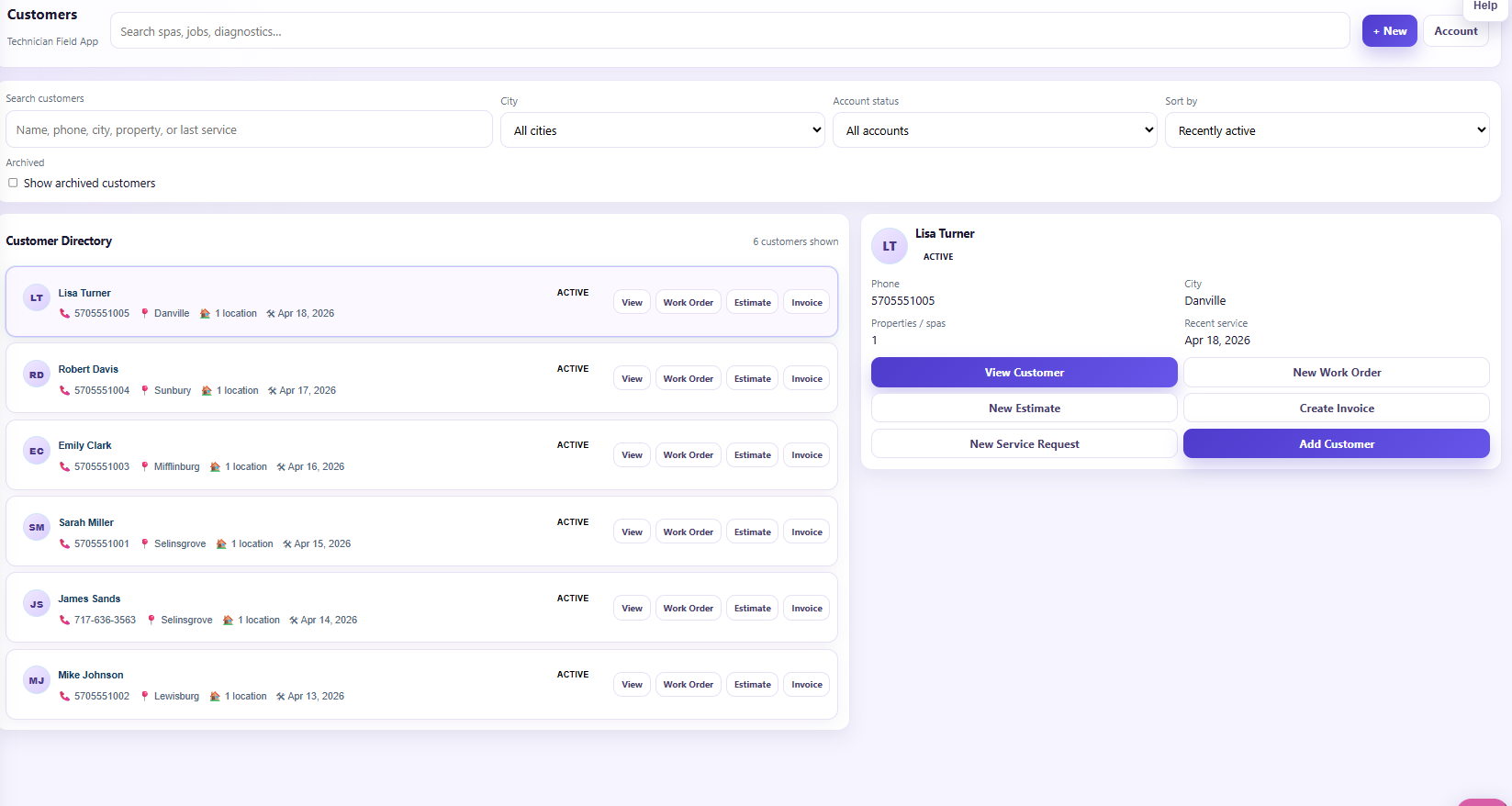
Customer and spa records keep service history tied to the actual spa, making it easier to understand prior repairs, maintenance patterns, and equipment context over time.
Diagnostics
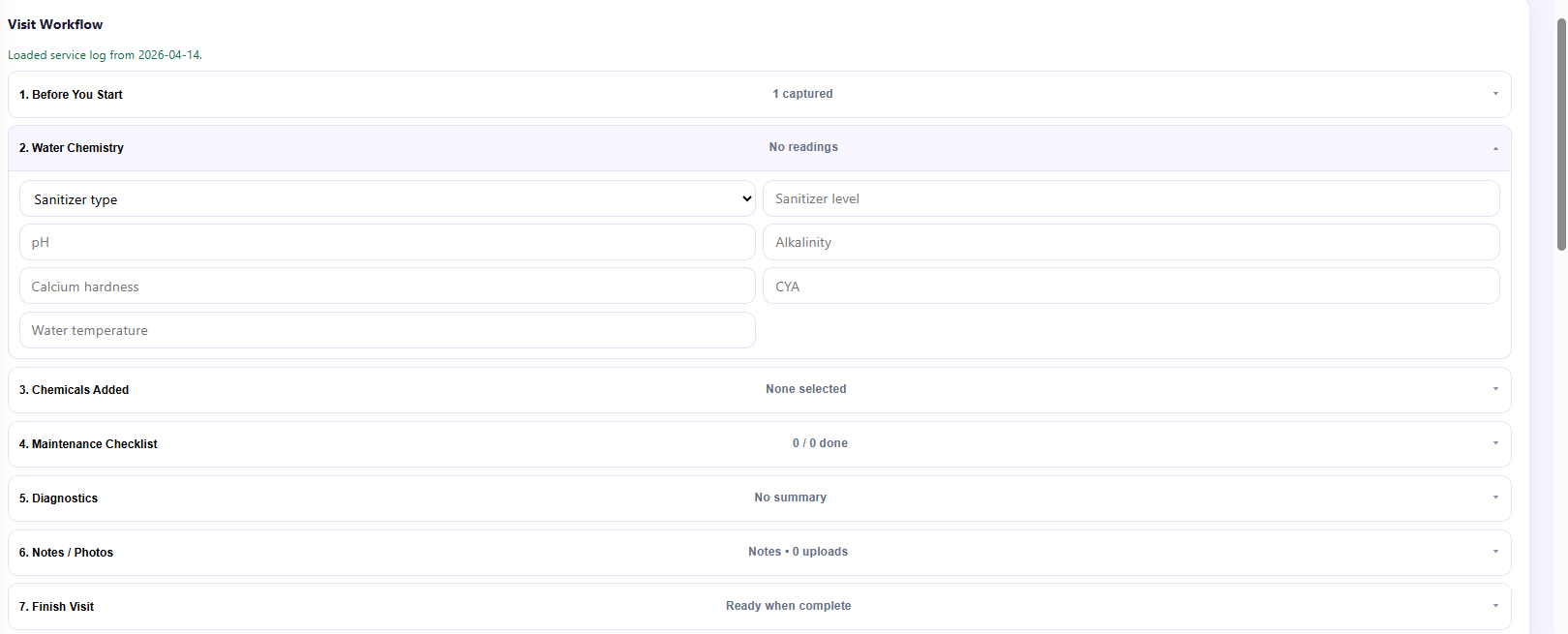
A dedicated place to capture troubleshooting details inside the same platform used for service records and job execution.
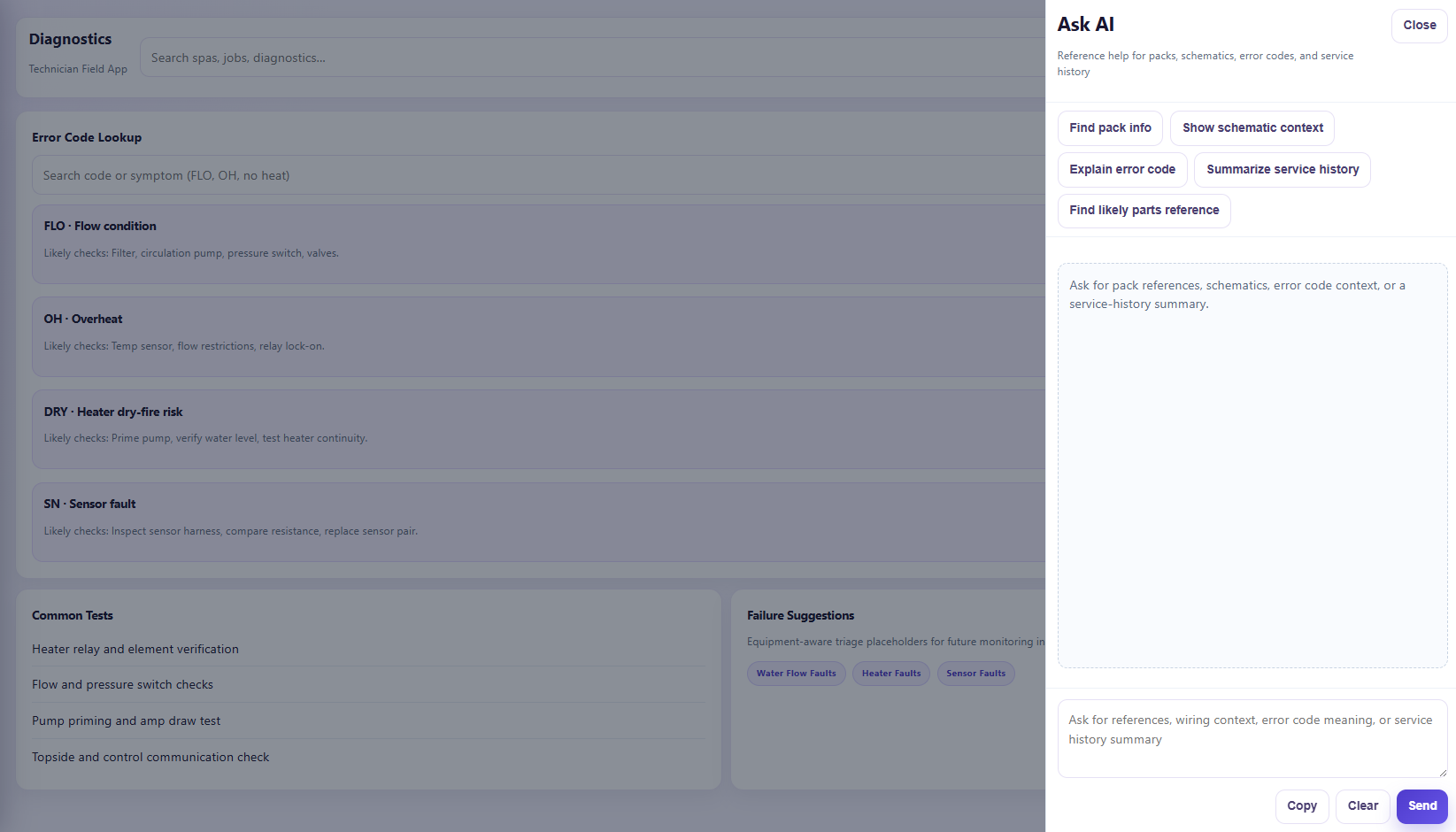
When technicians are in the field they may not have the latest schematic or manufacturer reference. The assistant surfaces that information quickly — it supports the work, it does not replace technician expertise.
Billing
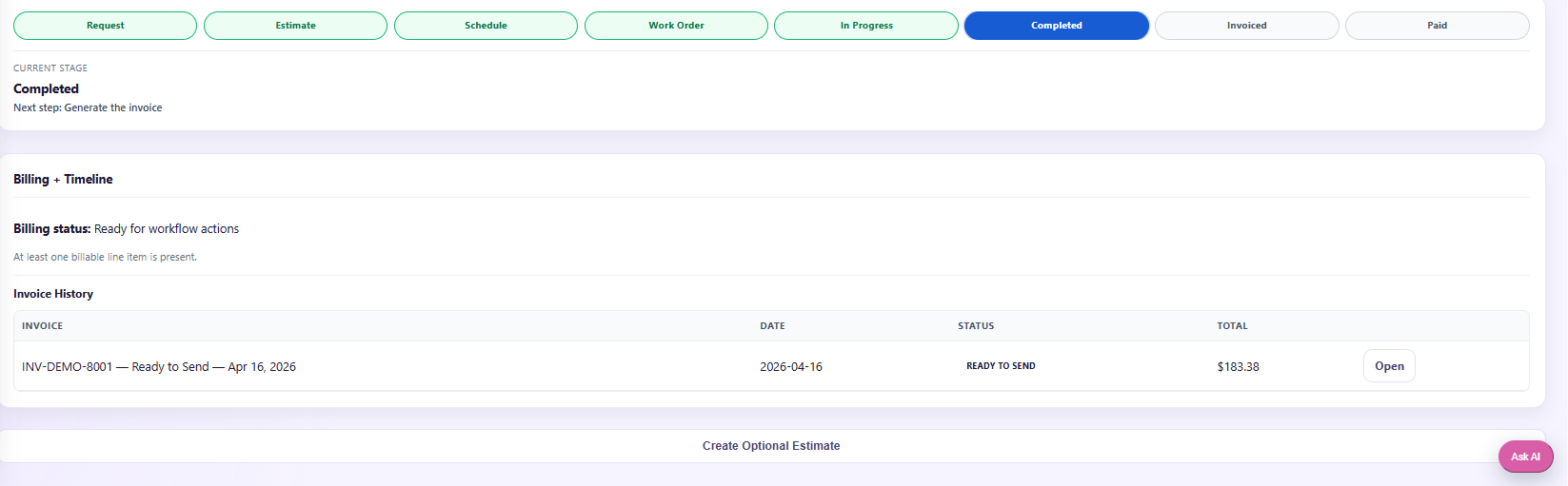
Service activity moves directly into billing records, reducing the manual admin work needed after the technician finishes the job.
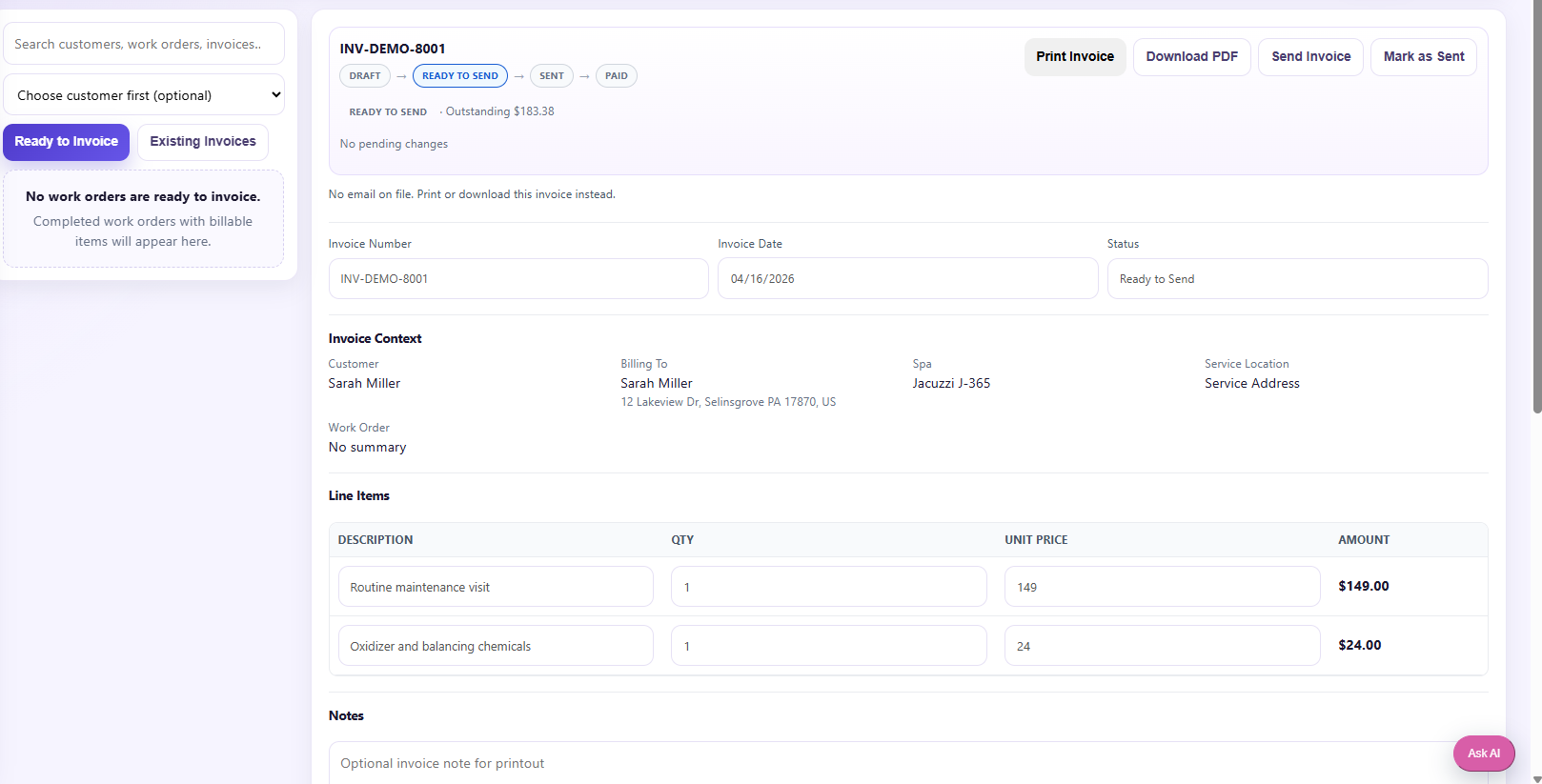
Professional invoices give the business cleaner documentation tied directly to the work performed.
Outcome
Service history, notes, and operational details in one place — no more paper trails.
Technicians focus on field work, not on reconstructing service details later.
Completed jobs move cleanly into billing, reducing administrative drag.
The owner gets a stronger operational picture of what's happening across the business.
Specialized industries deserve specialized software. This project shows the value of building around the actual workflow instead of forcing a business into generic tools.
Next step
If your business has a workflow no generic CRM handles well, a custom-fit system might be the right move. Start with a short conversation.