A customer needed a dedicated writing and business-output workflow without the distractions, complexity, or cloud dependency of general-purpose tools. Sentz Technology designed and built DigiType: a keyboard-first digital typewriter system for documents, invoices, labels, USB transfer, backup, and printing.
The customer did not need another generic productivity tool. They needed a controlled, single-purpose workflow that felt simple, durable, and predictable. The system needed to support writing, printing, basic business records, and file transfer while minimizing distractions and reducing the risk of accidental changes.
Off-the-shelf tools would have introduced extra menus, online assumptions, account setup, and workflows that did not match the environment. A custom application allowed the interface, shortcuts, storage model, and printing behavior to be designed around the real job to be done.
DigiType was structured around a small set of repeatable tasks. The experience intentionally emphasizes clear screens, visible shortcuts, local files, and predictable behavior.

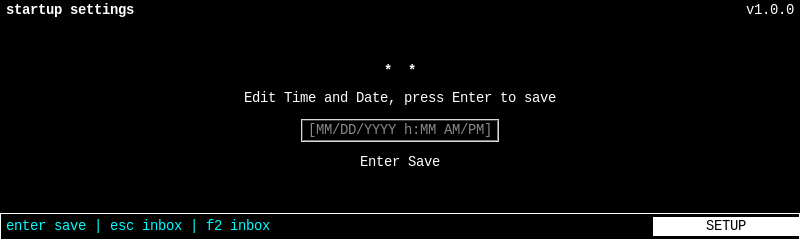
First setup asks for the device date and time using a simple keyboard workflow. The goal is to keep document, invoice, and file timestamps accurate without making the user type more than necessary.

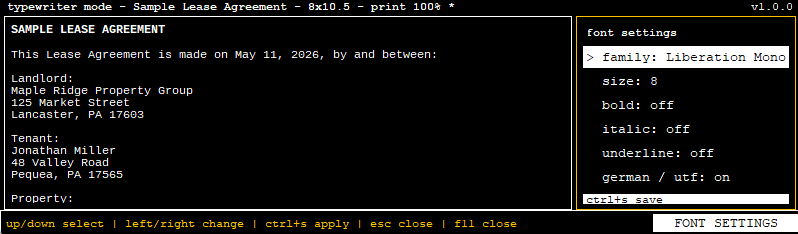
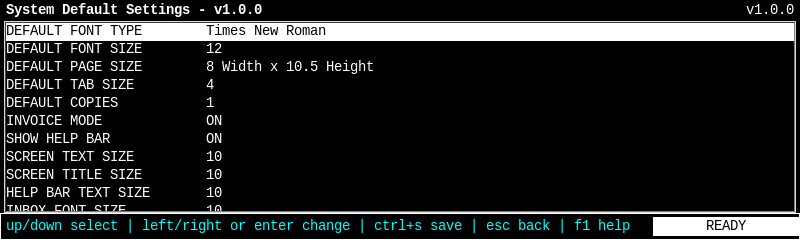
Settings are built for readability and practical adjustment, including interface sizing, inbox font size, document defaults, workflow options, and command bar behavior.

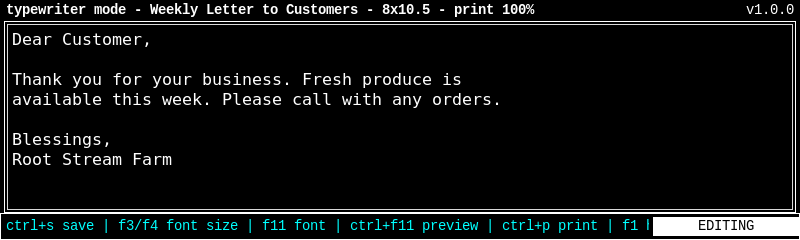
The editor presents a clean, distraction-free writing screen with visible keyboard commands for saving, printing, settings, and help.

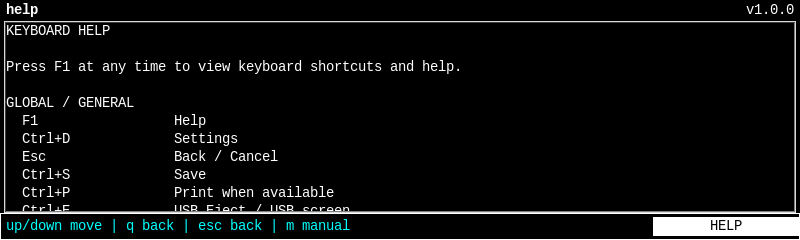
Built-in help keeps shortcuts discoverable. The user does not need to memorize every command before using the device productively.

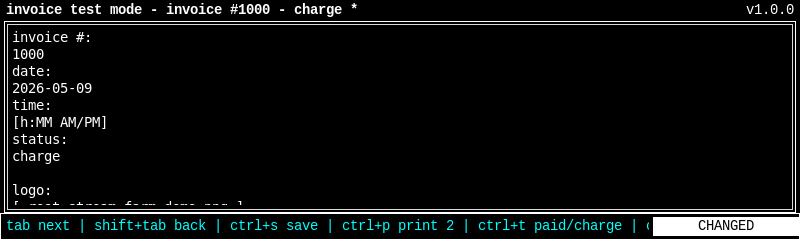
Invoice mode adds structured business output while keeping the same keyboard-first interaction model.

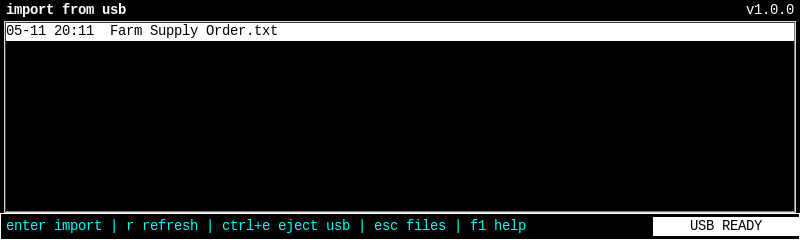
USB workflows support import, export, backup, and safe removal so files can move in and out of the system without relying on online services.
Documents, invoices, settings, backups, and runtime data are stored locally in predictable locations.
Core workflows are operated by keyboard shortcuts with visible on-screen command bars and F1 help.
The final application is packaged as a production executable and installed as a dedicated device service.
Recovery, USB eject, settings persistence, and printer handling were designed to prevent common failure modes.
The customer gets the essential writing and output tools in one focused environment.
The interface avoids general-purpose clutter and keeps the user focused on the task at hand.
USB import, export, backup, and safe eject workflows give the customer a controlled way to move files.
The finished product reflects the customer’s actual operating environment instead of forcing them into generic software.
DigiType shows the value of designing for the real workflow, the real constraints, and the real user. Sometimes the best software is not bigger. It is more focused.